
Live modules on your desktop.
A native homage to GeekTool: shell, AppleScript, file, image and web modules (Quintlets) drawn on the desktop between wallpaper and icons.
Hit the Deck Software makes focused tools for the Mac: internet radio and IPTV players, a desktop widget engine, a stock ticker, a virtual camera, a browser and more. Built in SwiftUI and AppKit, signed and notarized, with automatic updates.
Downloads are signed, notarized disk images hosted on GitHub. Each Mac app updates itself after you install it.
Live modules on your desktop.
A native homage to GeekTool: shell, AppleScript, file, image and web modules (Quintlets) drawn on the desktop between wallpaper and icons.
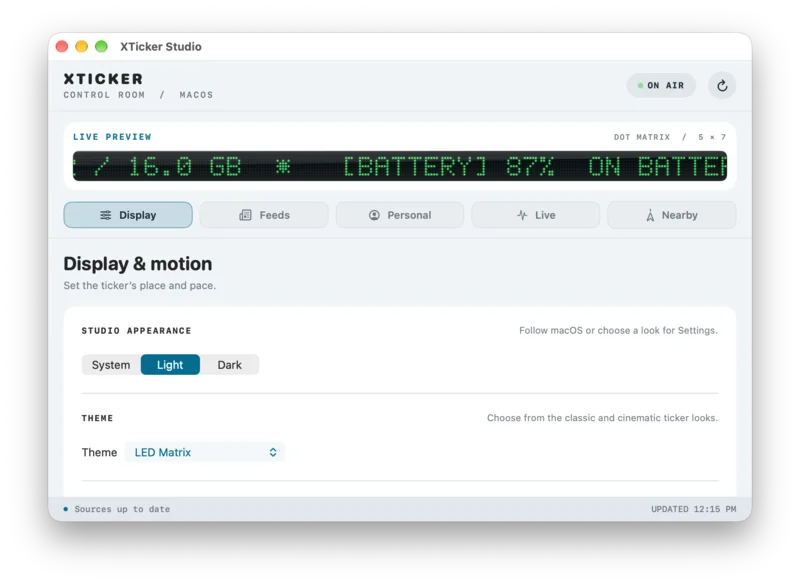
A live ticker above your Dock.
A live LED stock, news and sports ticker that floats above the Dock or flush below the menu bar.
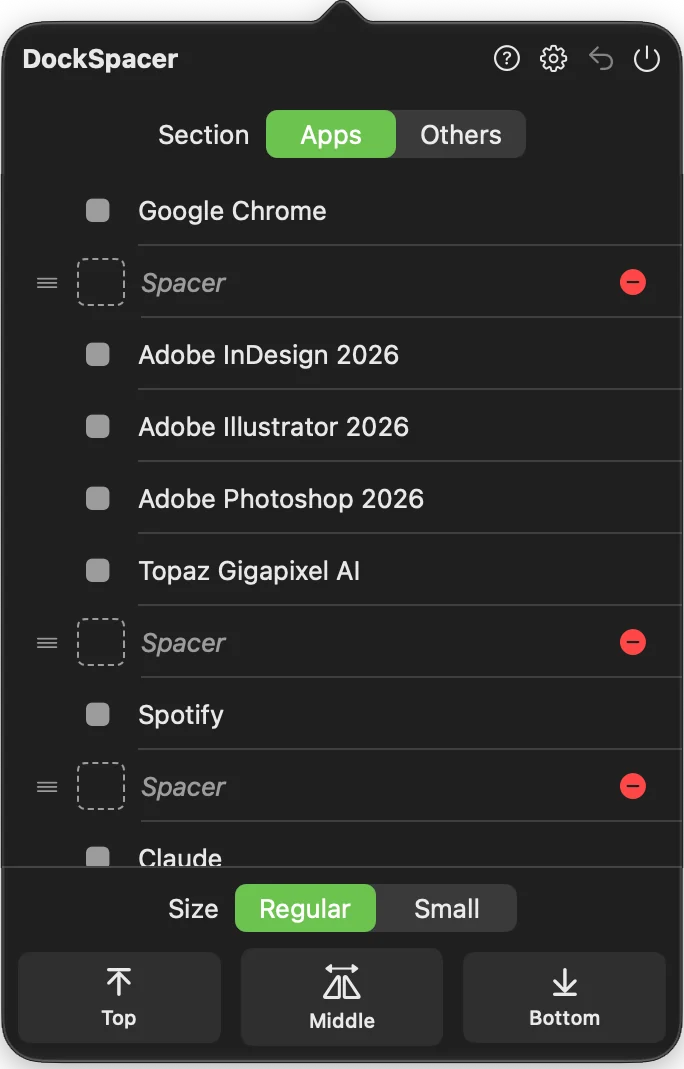
Spacers for your Dock.
A menu-bar panel for adding spacers between your Dock icons, so you can group them the way you like.
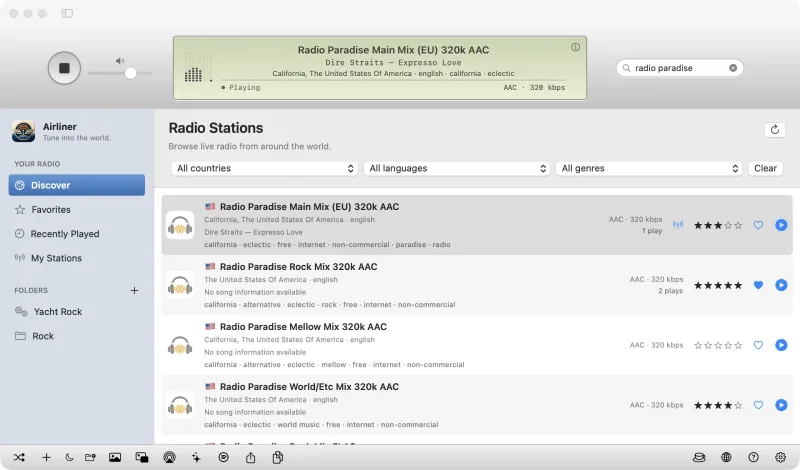
Tune into the world.
A free internet radio player with an iTunes-style LCD, worldwide stations and full-window visualizers.
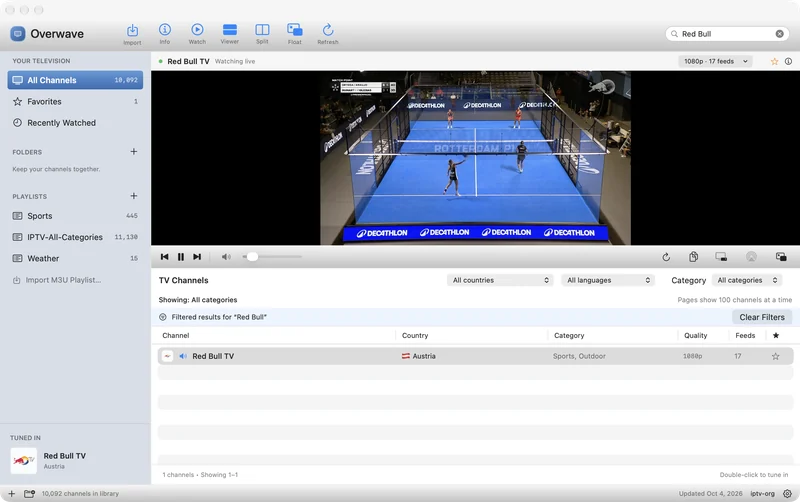
Internet television, natively.
A free native IPTV player with live channels from around the world, Split View, a floating TV window and AirPlay.
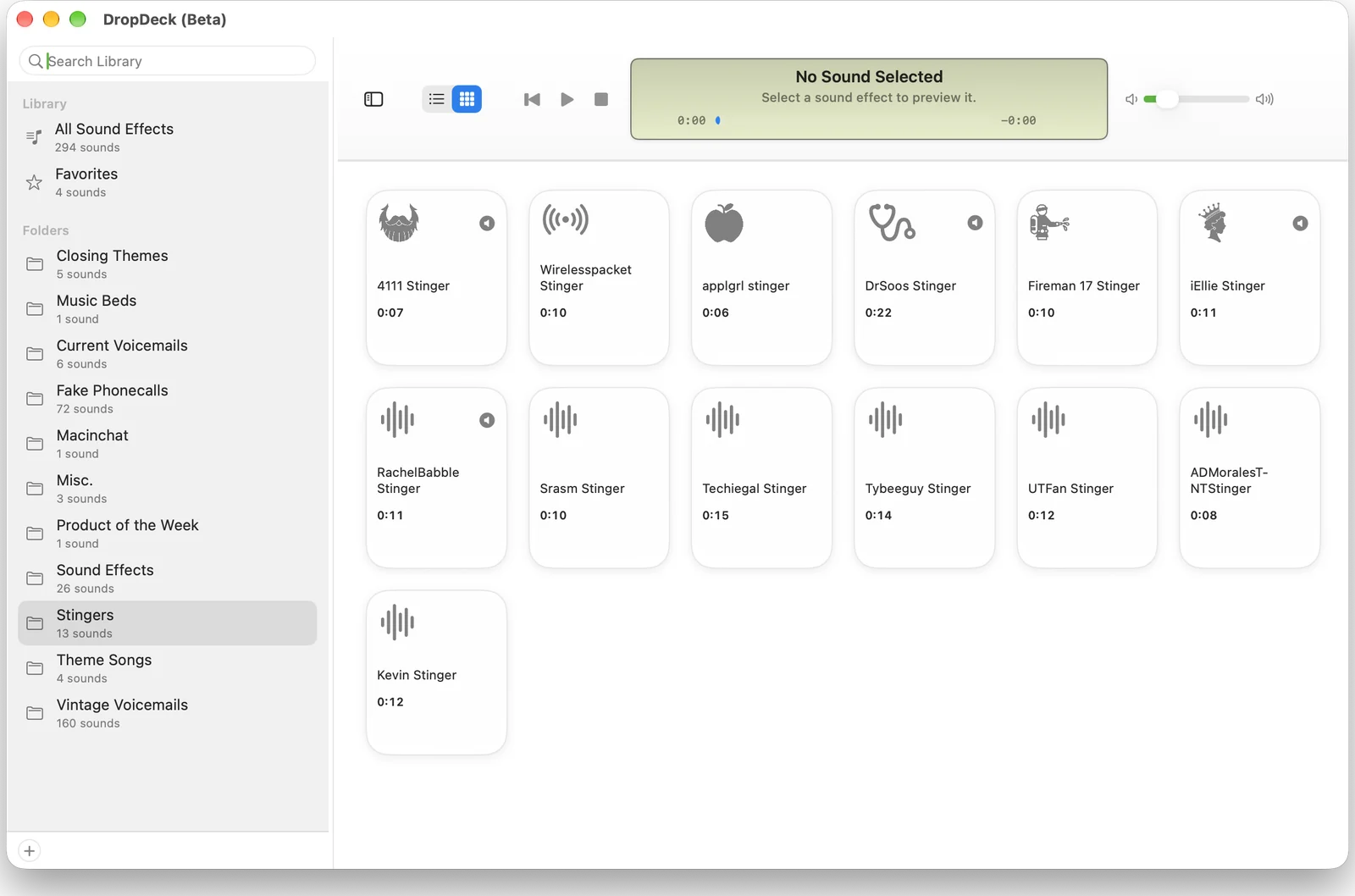
Sound effects, organized like a music library.
Manage, organize and play sound effects in an iTunes-style desktop library, with a soundboard view.
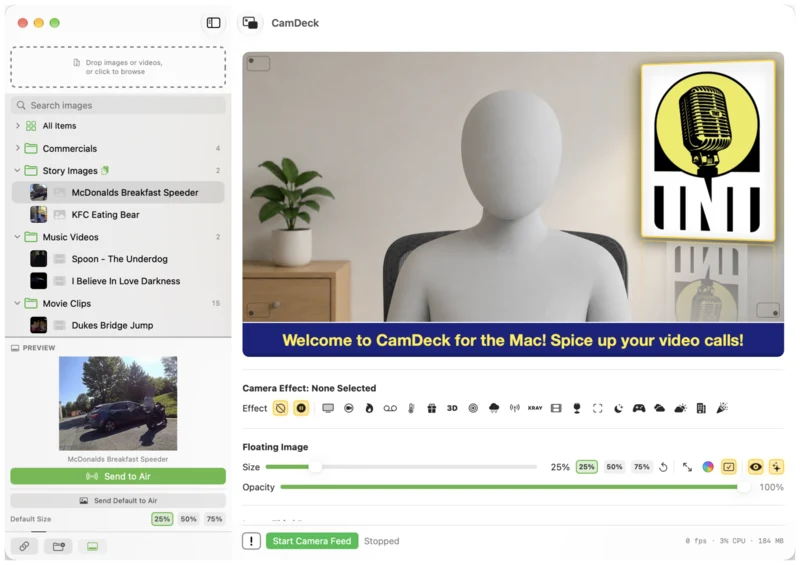
Camera effects for every video call.
A Mac camera-effects app and virtual camera for Zoom, Google Meet and more, with overlays and lower thirds.
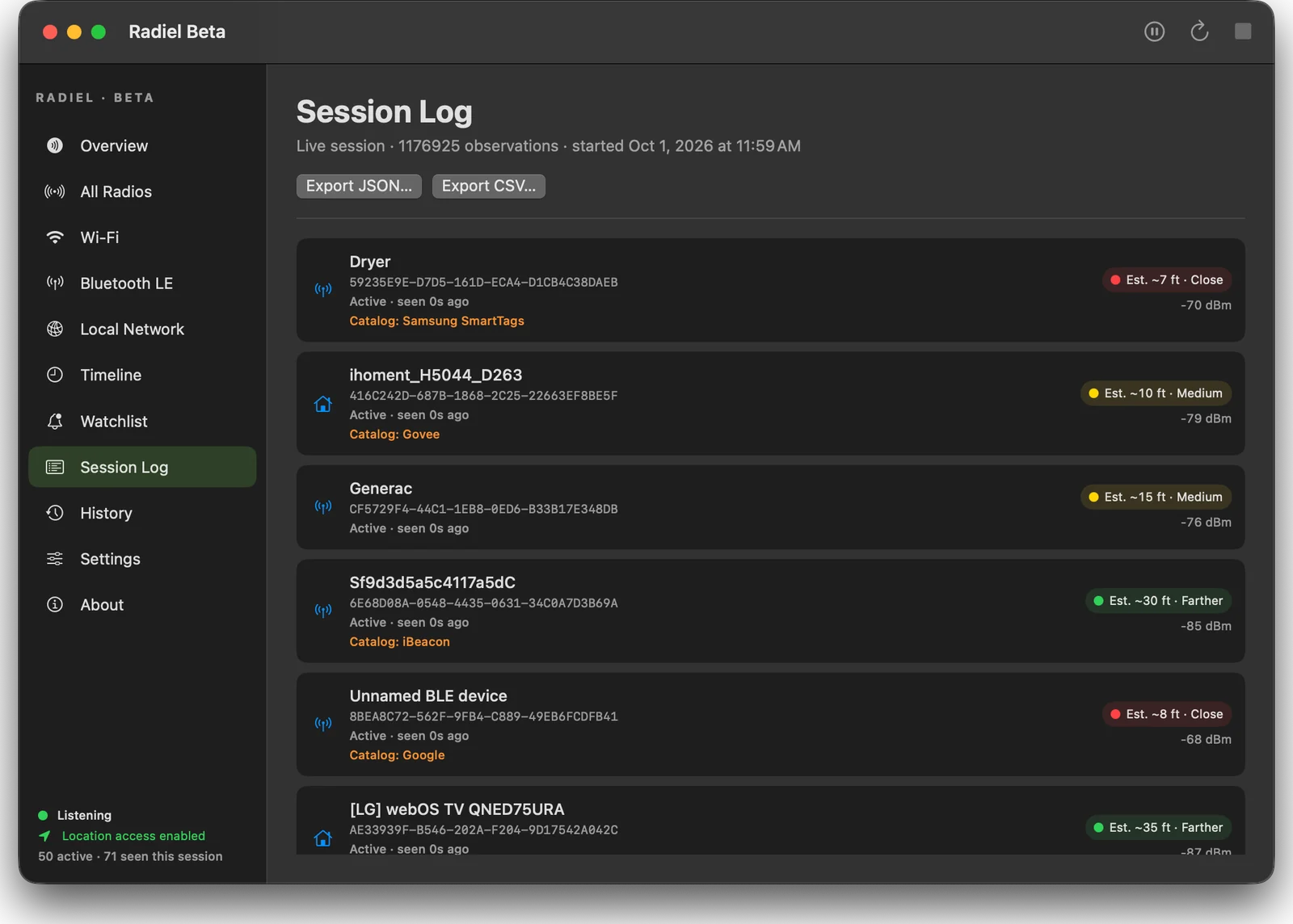
See the radios around you.
A native observer for nearby Wi-Fi and Bluetooth signals, with rough distance estimates and exports.
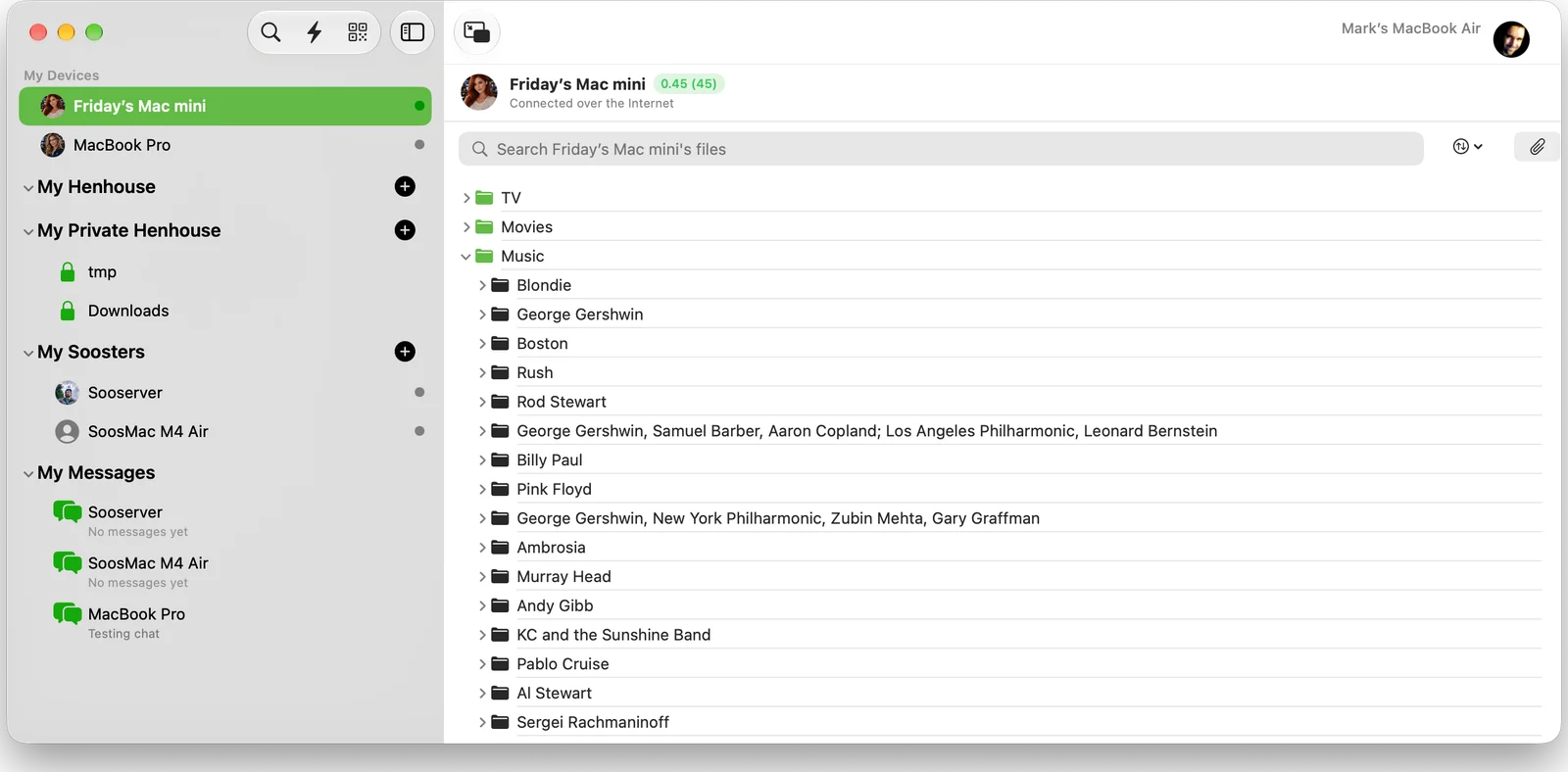
Peer-to-peer file sharing, Napster style.
Share folders directly with friends and your own devices. No cloud, no accounts.
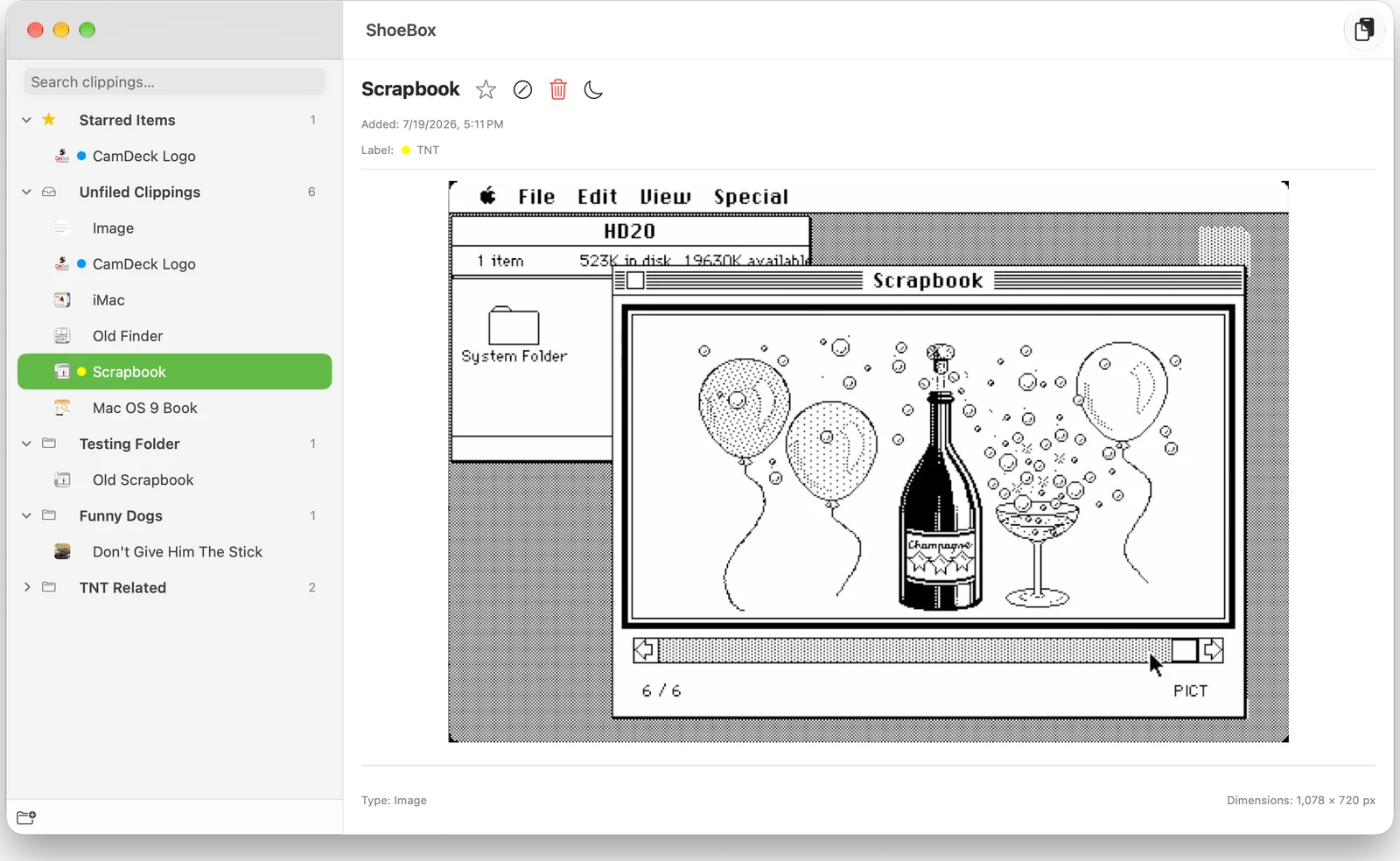
The Scrapbook desk accessory, reborn.
A persistent scrapbook and clipboard manager for text, images, PDFs and Illustrator files.
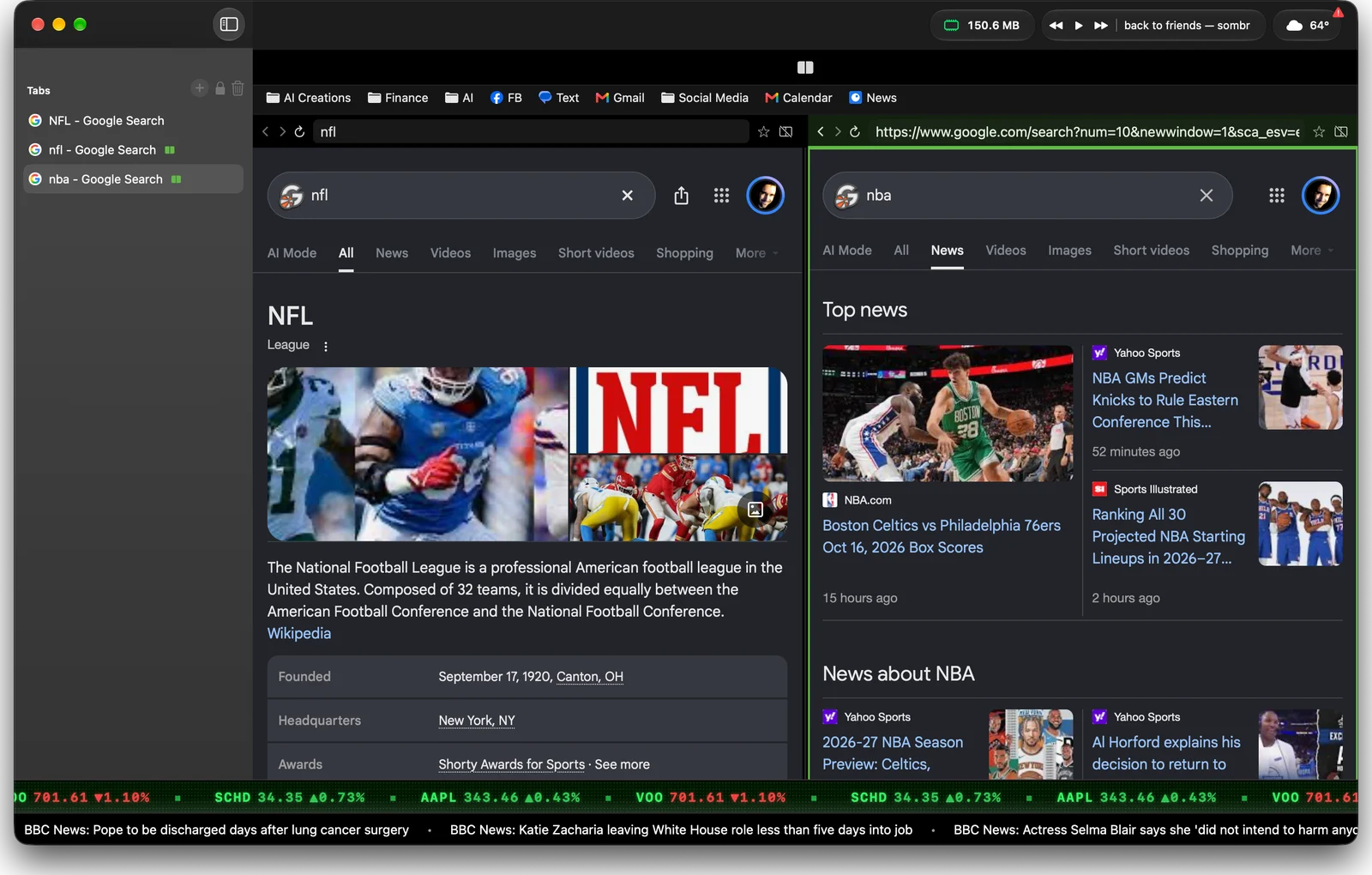
A Mac browser on system WebKit.
A native browser built on the system WebKit, not a Chromium fork, with web-extension and userscript support.
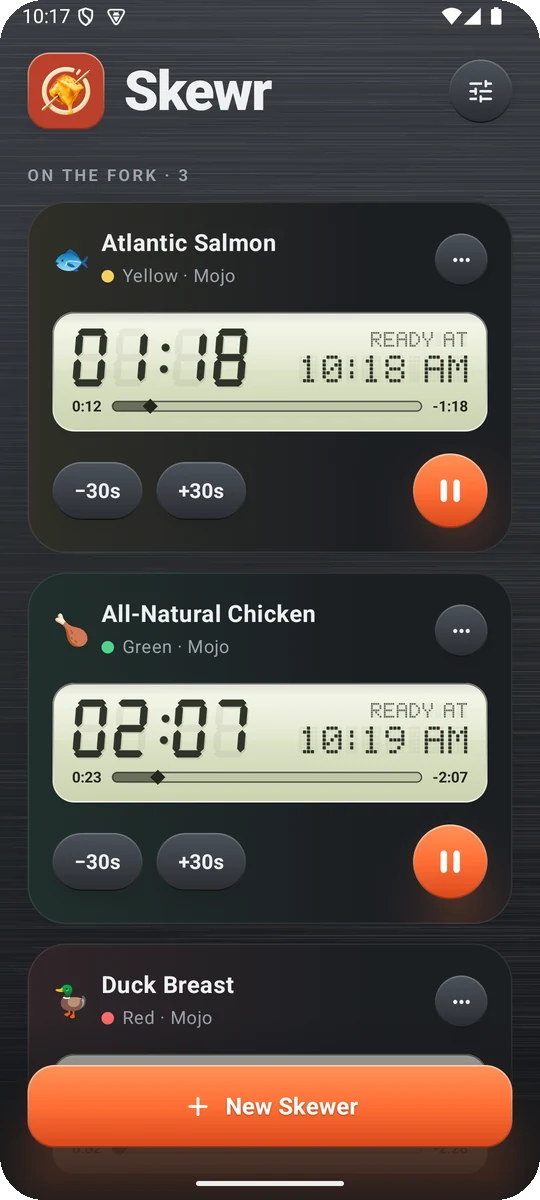
Fondue timers for every skewer.
A fondue timer for Android. Start a timer for each skewer by food and cooking style, and get an alarm when it's ready.
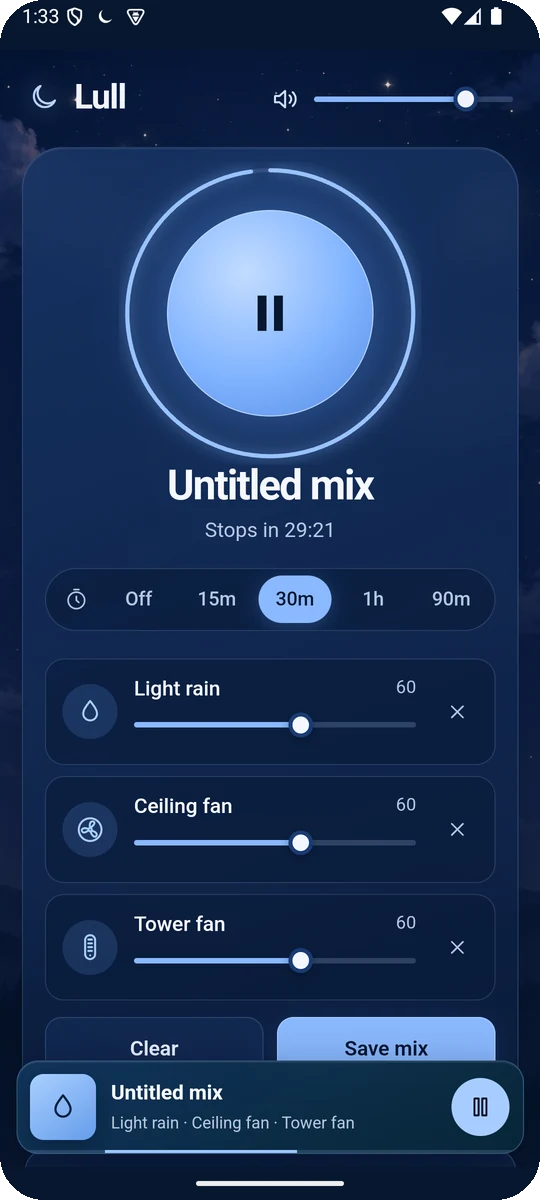
Sleep sounds, layered your way.
A private sound mixer for Android: layer rain, fan and noise sounds with a sleep timer, all offline.
No apps match that search.
SwiftUI and AppKit, no Electron. Apps launch fast, sip memory and follow your system appearance.
Mac downloads are code-signed and notarized by Apple, with release notes and checksums published beside each release.
Sparkle delivers signed updates in the background, so you always have the latest build.
Most of these apps need no account. Where an app uses the network, it says so in its Help and in the privacy notes.
Release notes, builds and update feeds are public on GitHub, with a version history for every app.
Every app is designed, built and supported by Mark Delfs, and shaped by the people who use them.
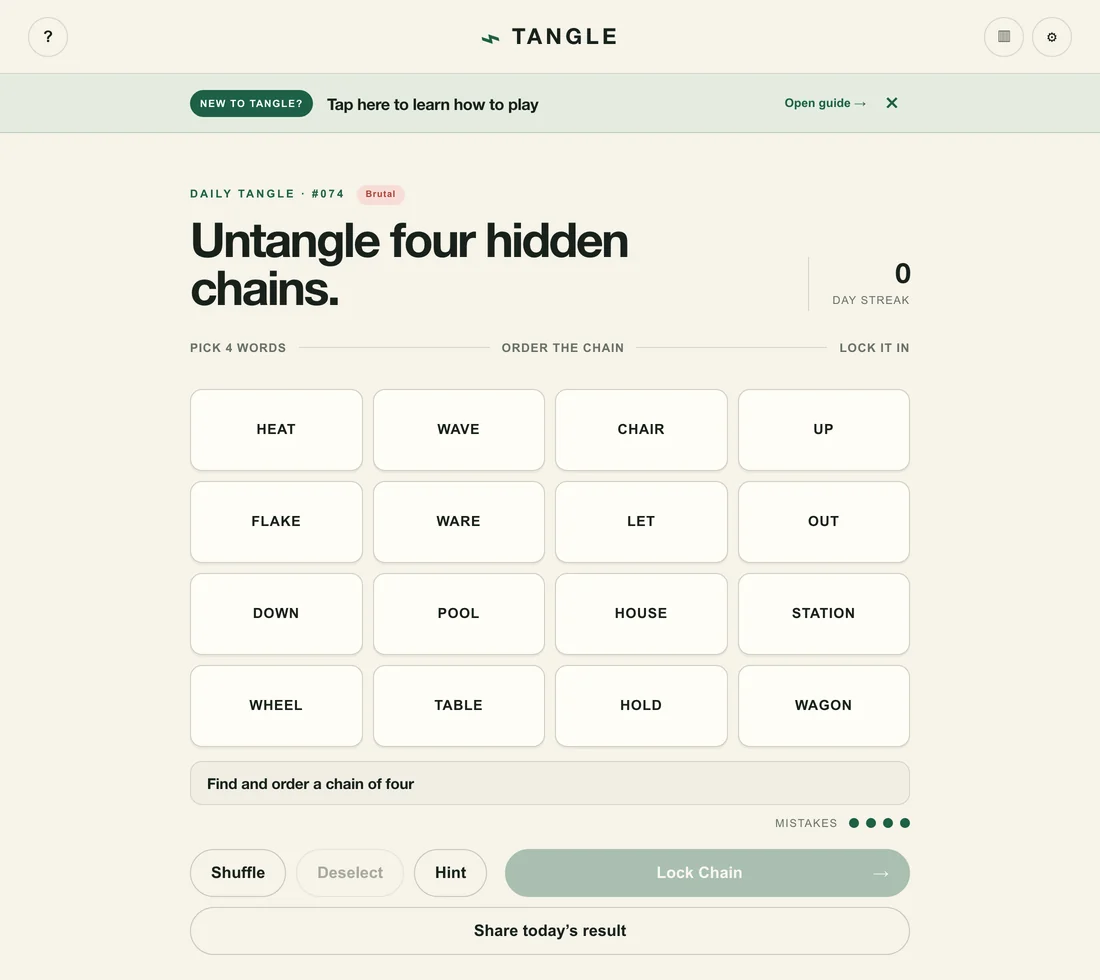
Arrange words into four ordered chains where each adjacent pair forms a familiar compound word. One puzzle a day, in your browser.
Play now →An independent studio run by Mark Delfs that makes focused, native Mac apps, plus a few other projects. Apps include Quint, Airliner, XTicker, Overwave, CamDeck, Radiel, Sooster, ShoeBox, DropDeck, Cherone and DockSpacer.
Yes. The apps are free to download. If you enjoy one, the tip jar helps keep development going.
The Mac apps require macOS 14 Sonoma or later. Each app's page lists its requirements.
Mac downloads are code-signed and notarized by Apple and hosted on GitHub Releases, so you can check checksums and release notes. See the Terms for the usual disclaimers.
Mac apps update themselves through Sparkle, and you can choose Check for Updates in the app menu. The Android apps, Skewr and Lull, are updated by downloading the newest APK.
Start with the Help menu inside each app, then see the Support page or email info@hitthedecksoftware.com.
These apps are free to download. If one earned a spot on your Mac, a coffee helps me keep building them.
☕ Buy me a coffee