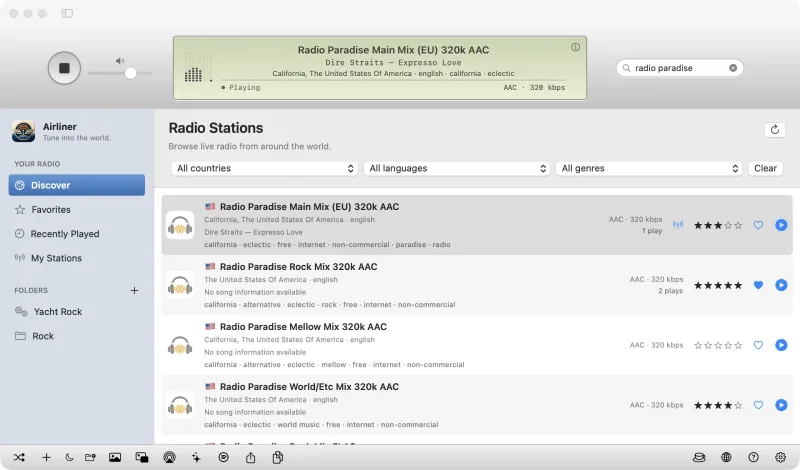

Tune into the world.
A free internet radio player with an iTunes-style LCD, worldwide stations and full-window visualizers.

Sleep sounds, layered your way. A private sound mixer for Android: layer rain, fan and noise sounds with a sleep timer, all offline.
Android 8.0 or later. Direct APK download, not on Google Play. Provided as is; see the Terms.
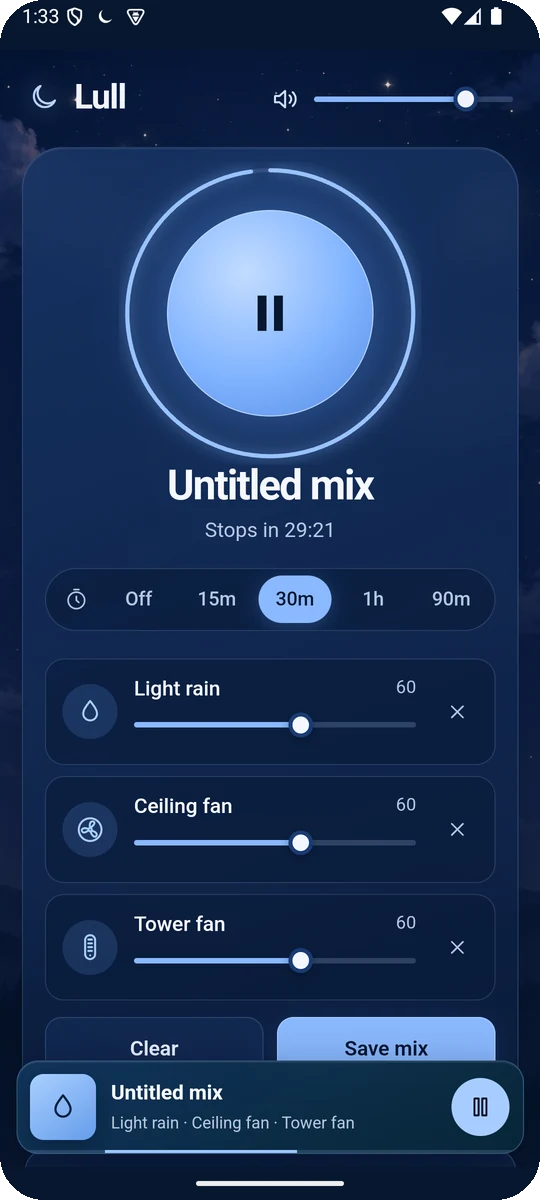
Lull is a calm, private sound mixer for sleep, focus and finding a little quiet. Layer sounds, set the volume of each one, and start a sleep timer that fades everything out. Mixes can be saved and sounds are searchable. It keeps playing with the screen off, and your mixes and imported sounds stay on your phone.
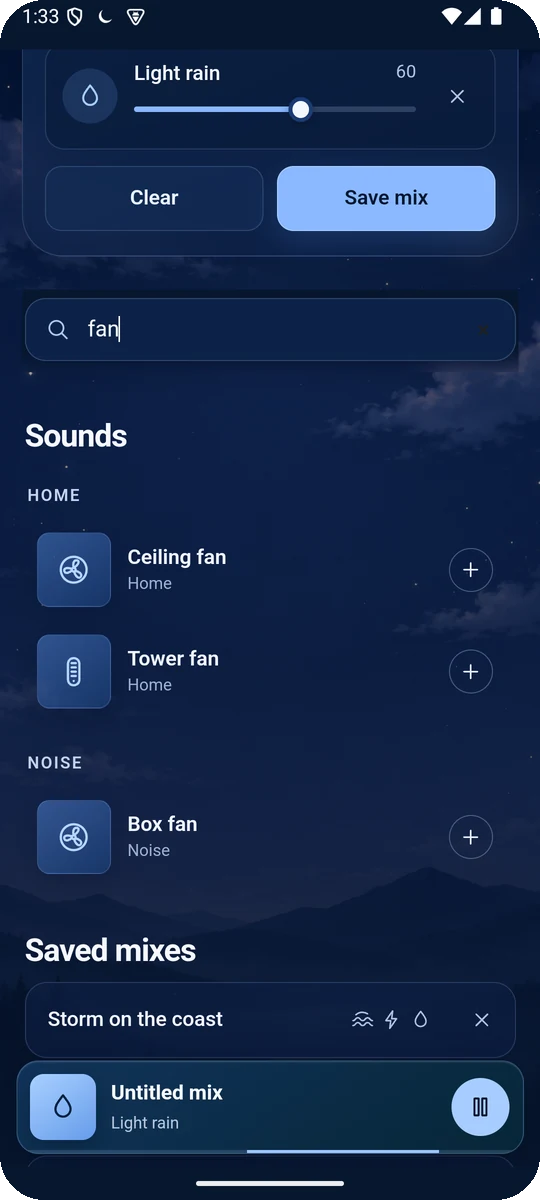
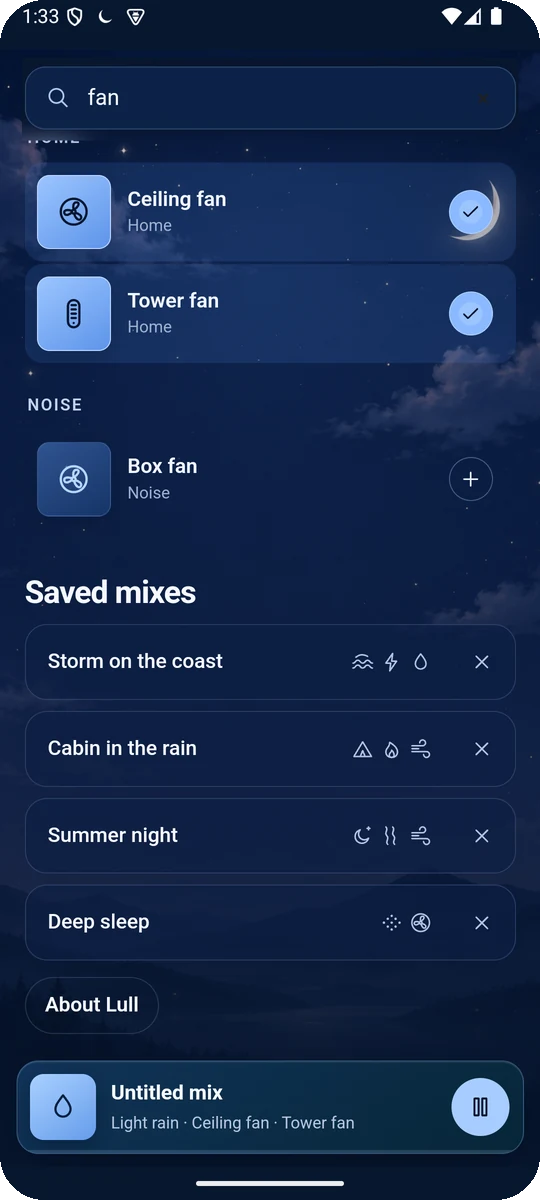
No. The sounds ship inside the app, Lull works offline, and it does not ask for internet access.
No. Lull is a direct APK download from GitHub. You allow installs from your browser or file manager once, then open the file.
Yes. It plays in the background with a notification control, and the sleep timer keeps counting down.
Recordings from the open-source Moodist and Blanket projects, plus home recordings from Freesound and Pixabay under CC0 and the Pixabay Content License. White, pink, brown and box-fan sounds are generated live.
Download the newest APK from the releases page and install it over the old one. There are no automatic updates.
Yes. Lull is free to download. If you enjoy it, the tip jar helps keep development going.
Tune into the world.
A free internet radio player with an iTunes-style LCD, worldwide stations and full-window visualizers.
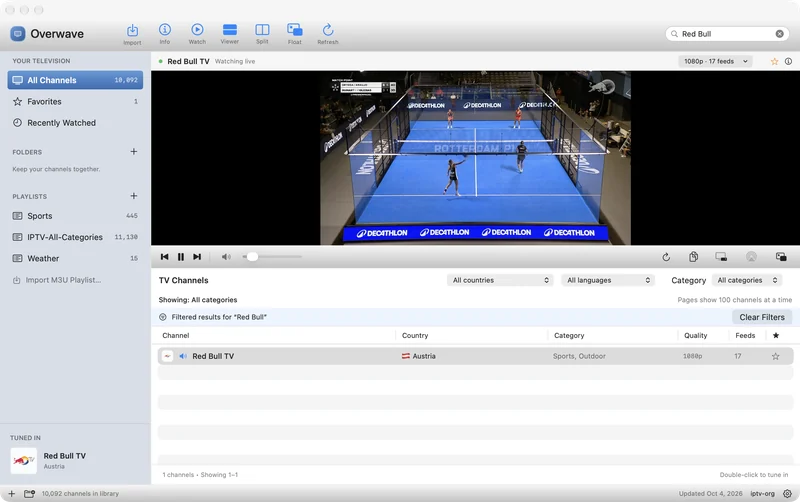
Internet television, natively.
A free native IPTV player with live channels from around the world, Split View, a floating TV window and AirPlay.
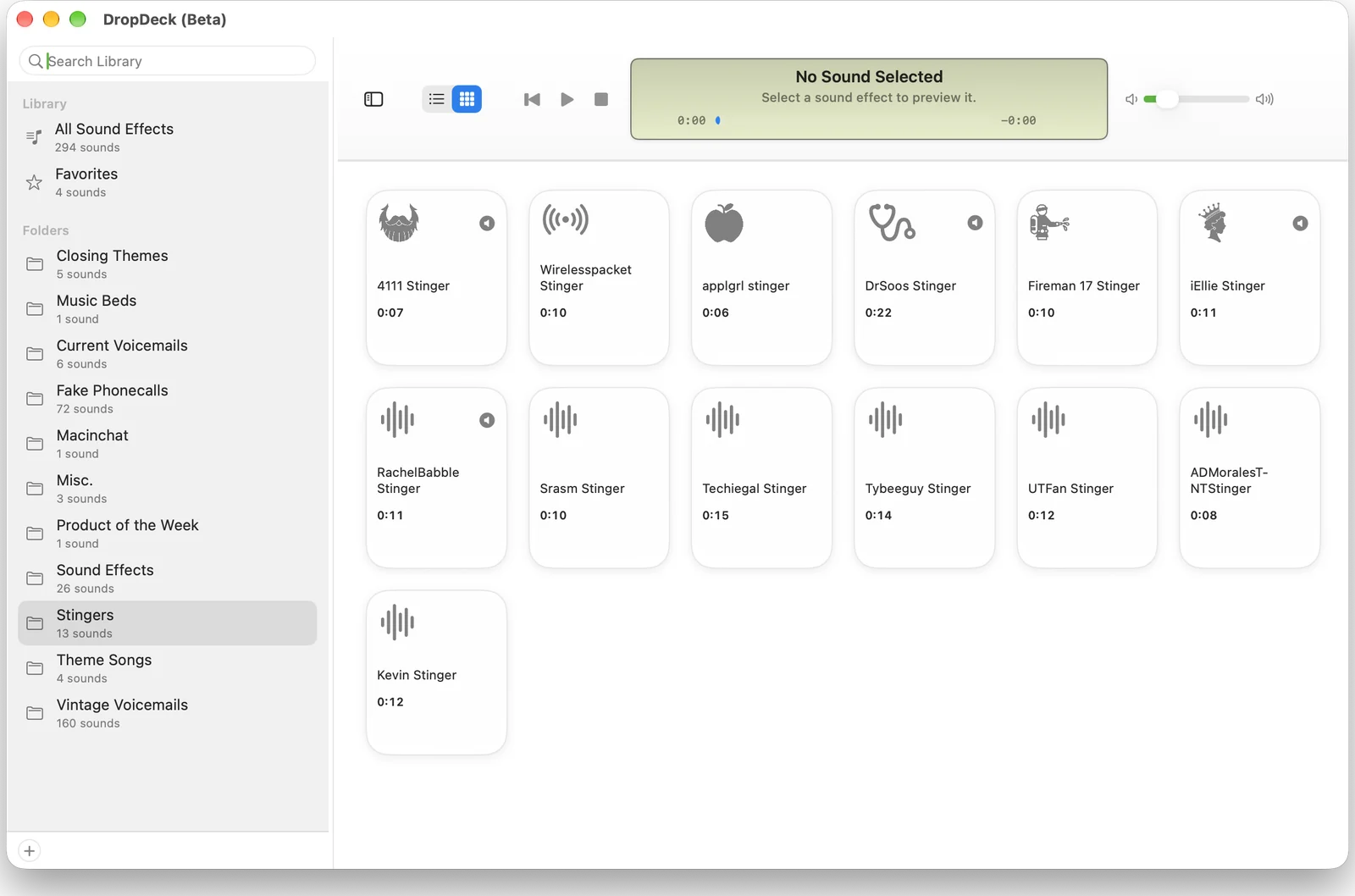
Sound effects, organized like a music library.
Manage, organize and play sound effects in an iTunes-style desktop library, with a soundboard view.