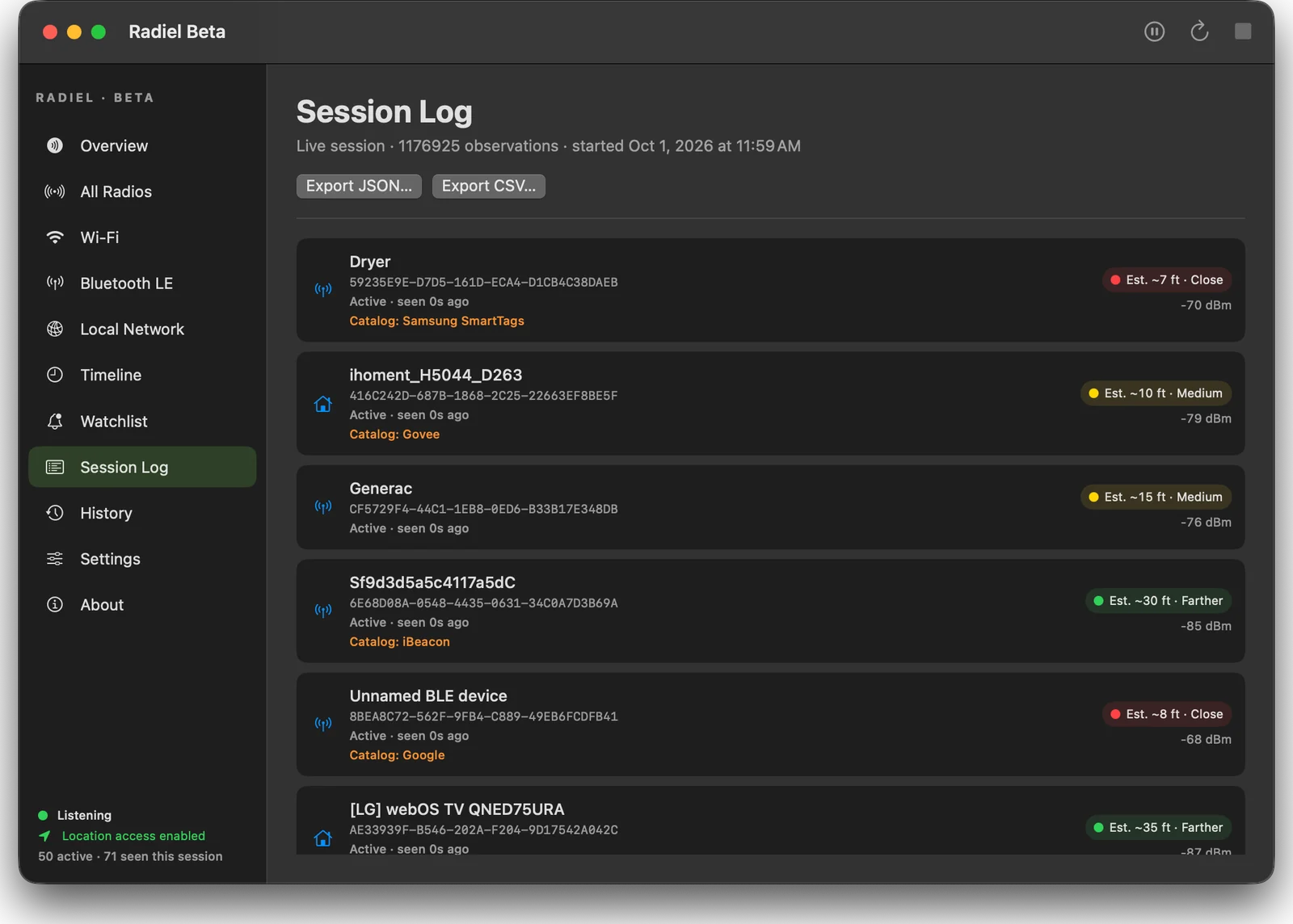

See the radios around you.
A native observer for nearby Wi-Fi and Bluetooth signals, with rough distance estimates and exports.
Clean your keyboard without typing a word. Locks your Mac's keyboard, media keys and Touch Bar so you can wipe them down, and darkens the screen so smudges show.
macOS 13 or later (needs Accessibility and Input Monitoring permission). Signed and notarized by Apple. Provided as is; see the Terms.
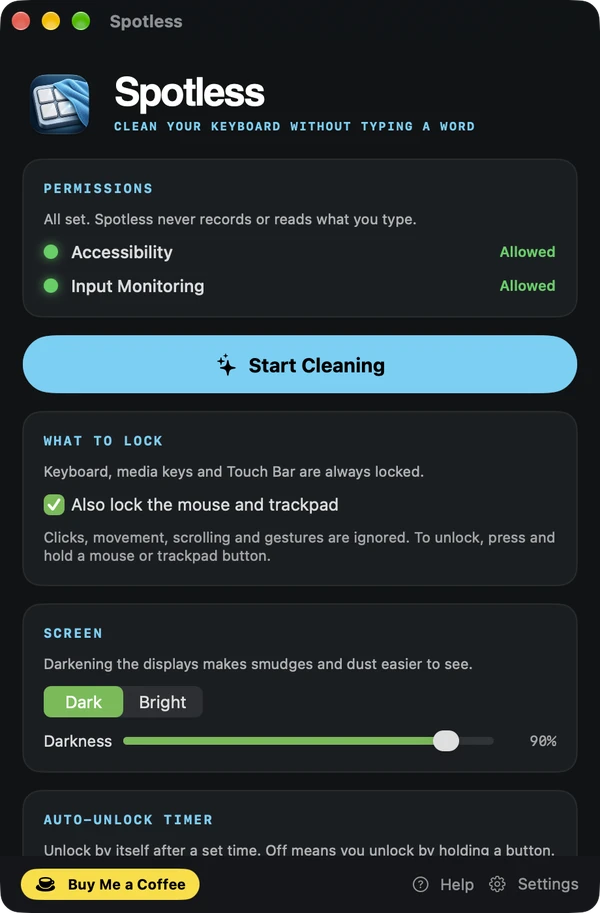
Spotless is a cleaning mode for your Mac. Click Start Cleaning and, after a short countdown, the keyboard, media keys and Touch Bar lock, and the screens go dark so fingerprints and dust stand out. You can lock the mouse and trackpad too. When you are done, press and hold a mouse or trackpad button until a ring fills, or let an auto-unlock timer do it for you. There is deliberately no keyboard shortcut to unlock.
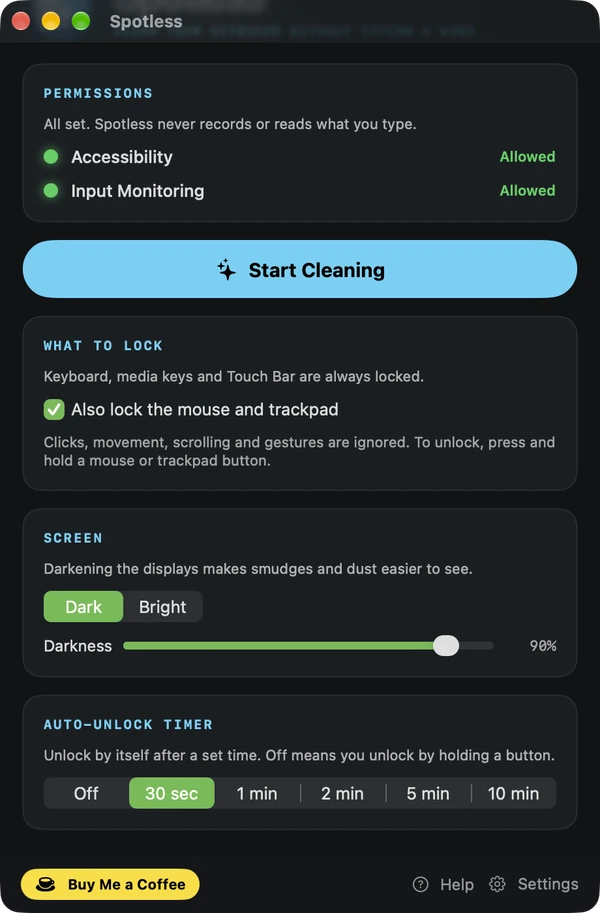
Press and hold a mouse or trackpad button for a few seconds until a ring fills. You can also set an auto-unlock timer from 30 seconds to 10 minutes. There is no keyboard shortcut to unlock, so nothing you press on the keyboard can unlock it.
No. Spotless never records or reads what you type.
macOS requires both permissions to block key presses. Switch Spotless on under Accessibility and Input Monitoring in System Settings, then Privacy & Security. With only one of the two, the keyboard will not lock.
Yes. Turn on Also lock the mouse and trackpad and movement, clicks, scrolling and gestures are ignored. Holding a button still unlocks.
Yes. Spotless is free to download. If you enjoy it, the tip jar helps keep development going.
See the radios around you.
A native observer for nearby Wi-Fi and Bluetooth signals, with rough distance estimates and exports.
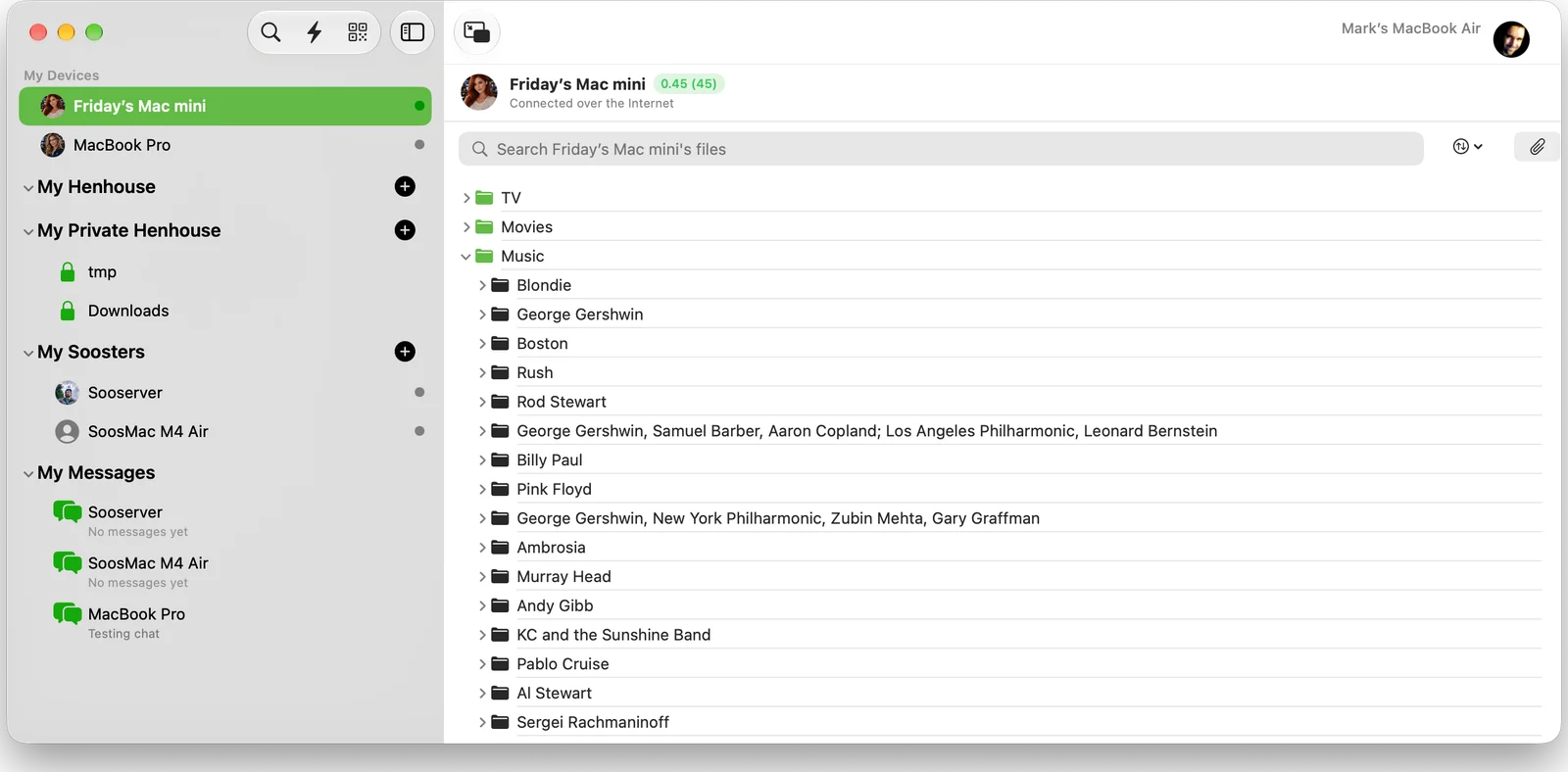
Peer-to-peer file sharing, Napster style.
Share folders directly with friends and your own devices. No cloud, no accounts.
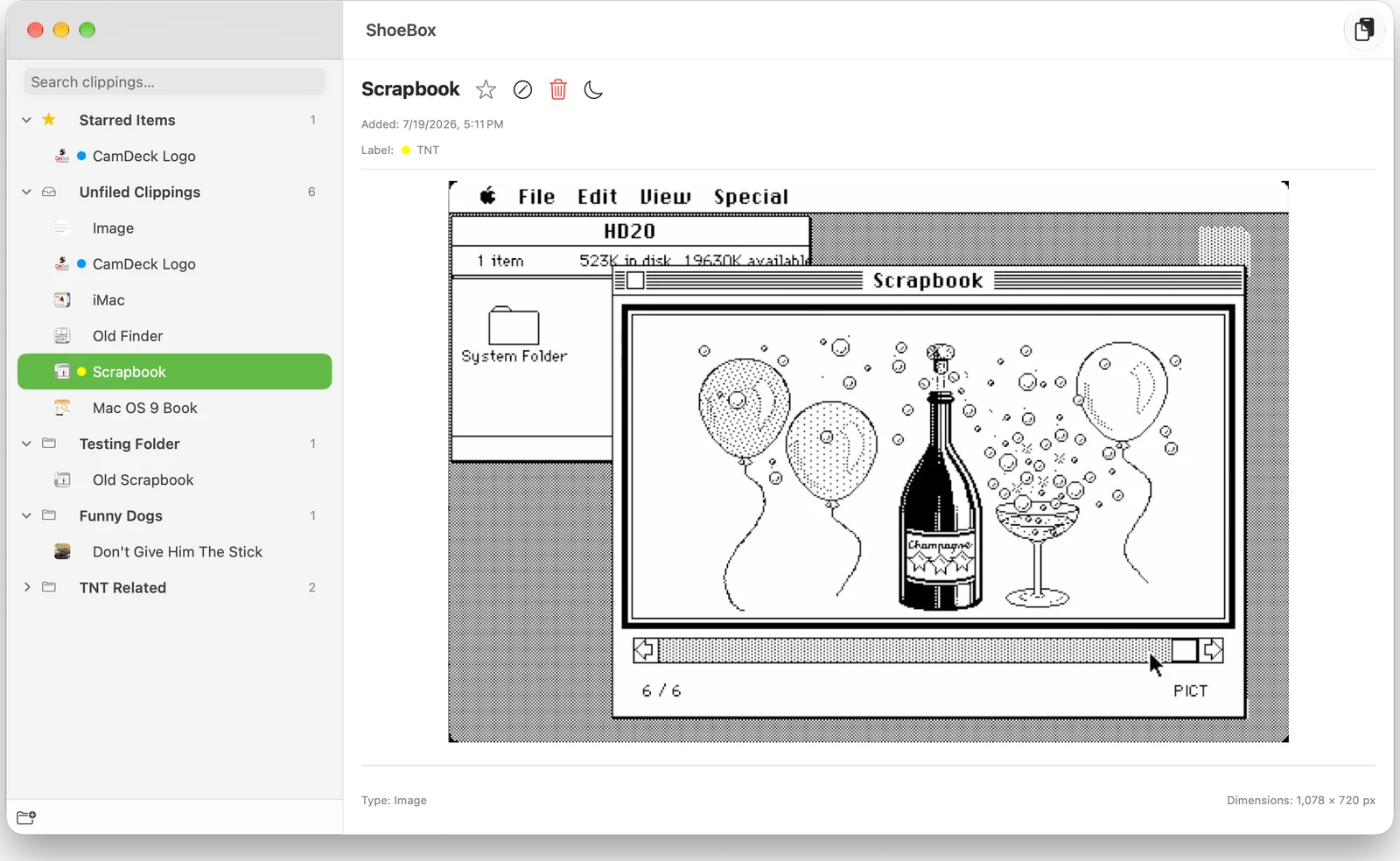
The Scrapbook desk accessory, reborn.
A persistent scrapbook and clipboard manager for text, images, PDFs and Illustrator files.